A calm home base for their learning
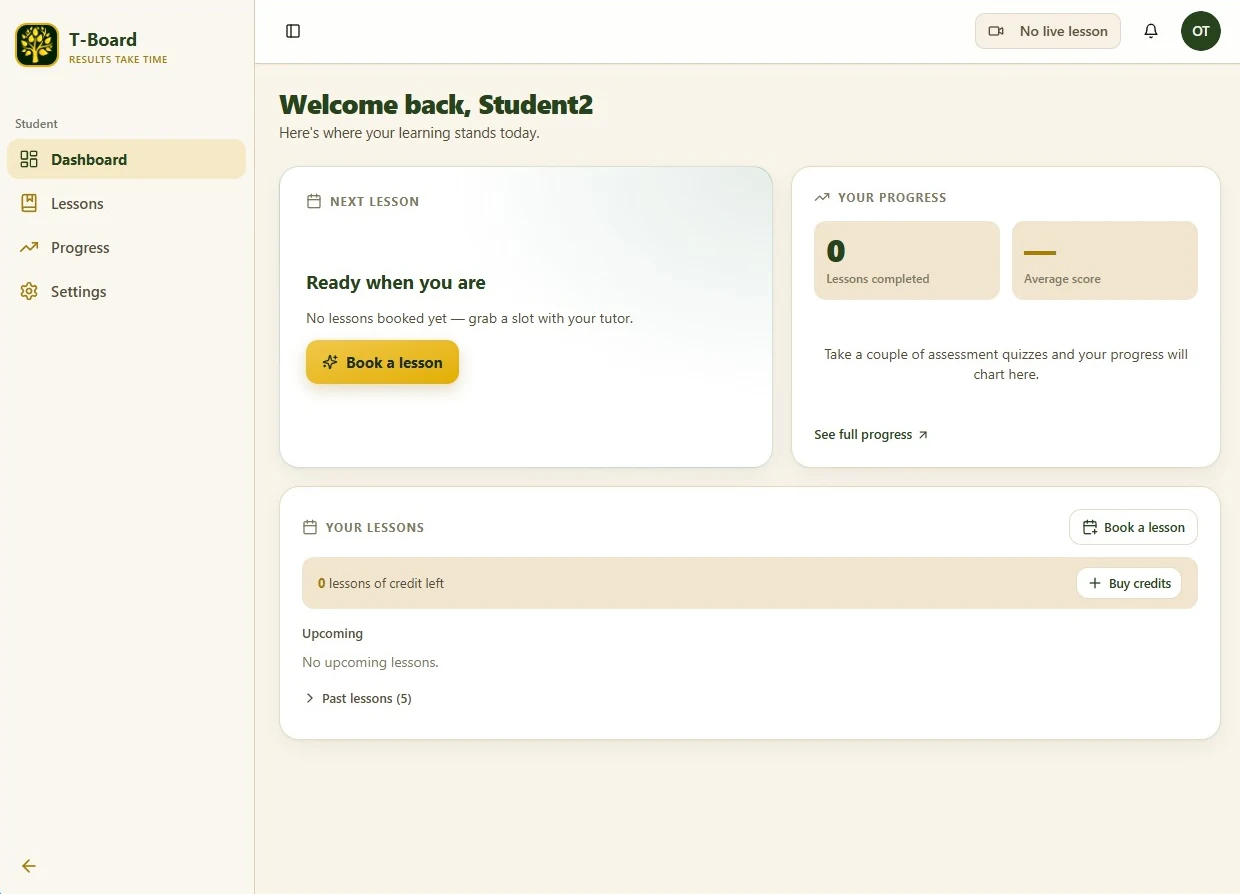
When your child signs in, everything is in one place — their next lesson, their progress, and their lessons so far. No hunting through emails for links or files, and nothing to lose track of between sessions.
Online lessons
Every lesson happens in one calm, focused space — T-Board, our AI-assisted learning platform, designed and built by Tomi, one of your tutors. Here is exactly what your child will use, and what you will see.
When your child signs in, everything is in one place — their next lesson, their progress, and their lessons so far. No hunting through emails for links or files, and nothing to lose track of between sessions.
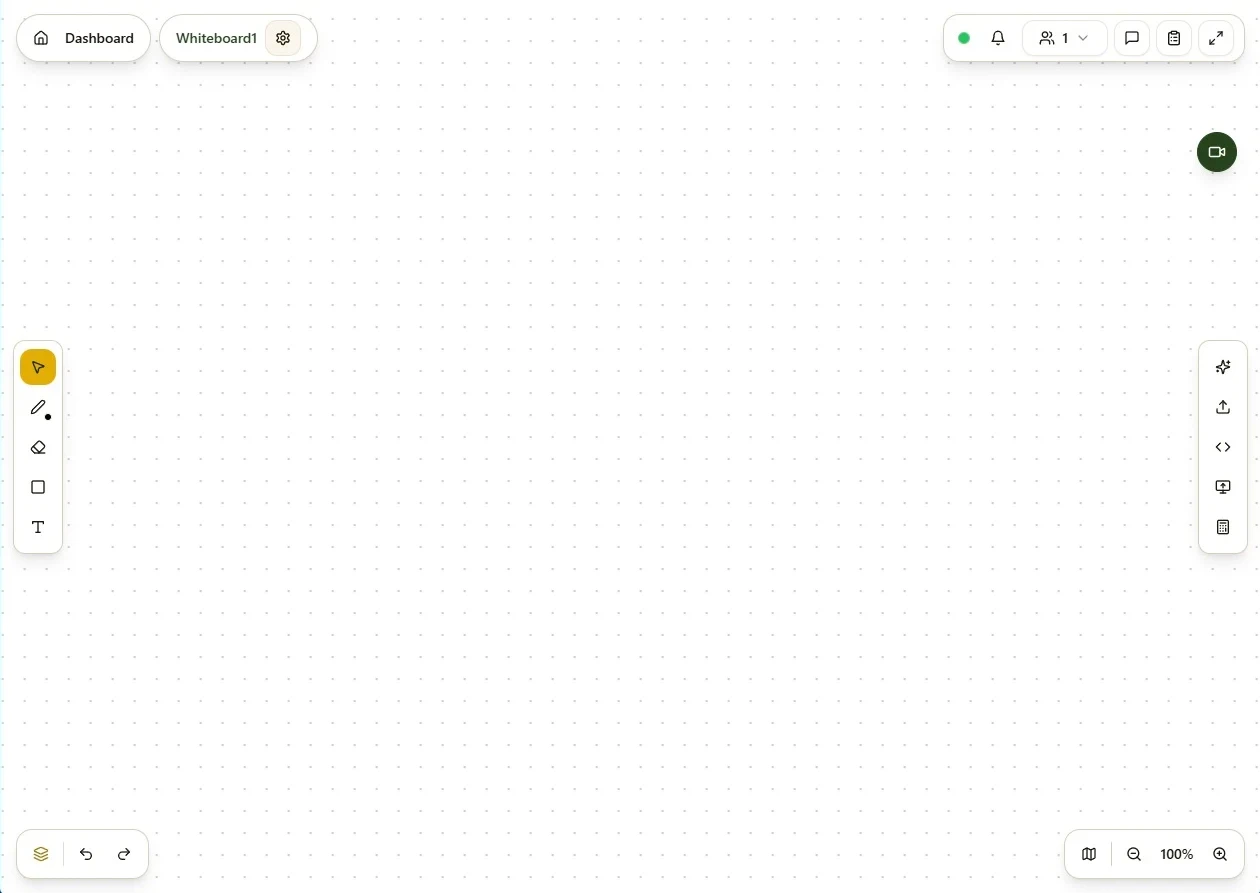
Tutor and student work on the same interactive whiteboard in real time — writing, drawing and solving problems together — while talking face to face. The video is built right in, so there are no separate Zoom links to chase and nothing extra to open.
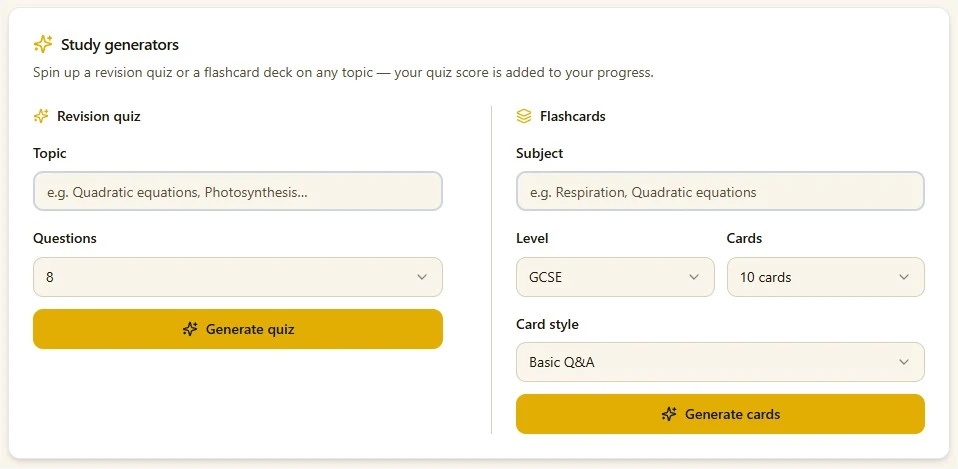
Between lessons, your child can spin up a revision quiz or a flashcard deck on any topic in seconds — ideal for independent practice. Their quiz scores feed straight into their progress, so the effort they put in shows up as results.
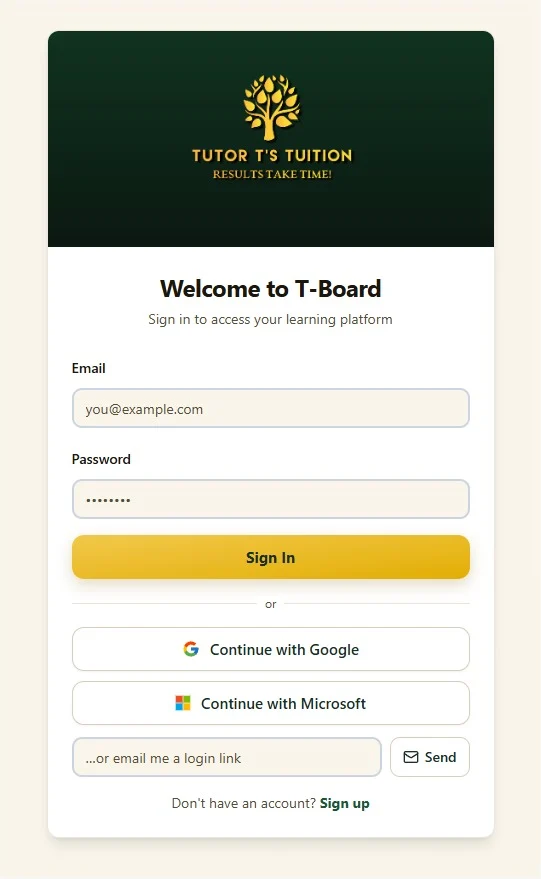
Your child signs in with their Google or Microsoft account — no extra password to remember — and their learning space stays private and secure.
Whiteboards and notes are kept, so your child can log back in and revisit what they did last time. It is a space they come back to — not a call that vanishes the moment it ends.
After each session the tutor writes a short summary of what was covered and what is next, so you can see how your child is getting on without having to ask.
Your tutor can share worksheets and resources straight through T-Board, and your child keeps them to look back over any time.
Lessons completed, quiz scores and average marks are gathered in one place, so you and your child can watch their progress build over time.
Questions parents ask
One shared screen. Your child and their tutor work together on an interactive whiteboard — writing, drawing and working through problems — while talking over built-in video. Everything for the lesson lives in that one place, so there is nothing to download or set up each time.
Yes. Their whiteboards, notes and any shared files are saved in T-Board, so your child can sign back in between lessons and go back over what they did. Nothing disappears when the lesson ends.
Yes. T-Board can generate a revision quiz or a flashcard deck on any topic in seconds, so your child can keep practising between sessions — and their quiz scores add to their progress.
Yes — the tutor writes a short summary after each session covering what was worked on and what is coming next, so you can follow your child's progress in their own words.
Tomi, the founder of Tutor T's Tuition, designed and built T-Board himself. He is a software developer with a Master's in Computer Science with Artificial Intelligence, and he created the whole platform alongside his studies. It means your child learns on software made by the person who's teaching them.
No. T-Board runs in a normal web browser — your child simply signs in with Google or Microsoft, with no new password to remember. Installing T-Board as an app is optional, and it can be added to phones, tablets and computers for quicker access.
Any computer or laptop with an up-to-date web browser, a webcam and a microphone. A steady internet connection and a quiet place to work is all that is needed to get the most from a lesson.
A relaxed 30-minute taster that blends a chat about your child's goals with a bit of real teaching — so you can see exactly how we work. Free, with no obligation.
We usually reply within a day.